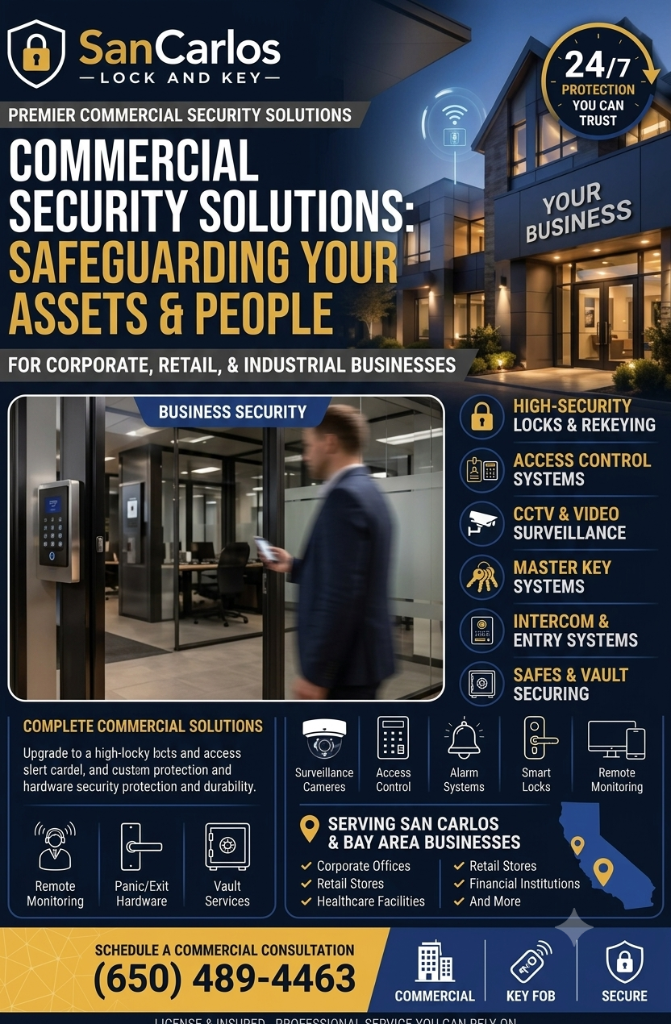
Office security is not limited to the front entrance. A complete plan must account for employee access, visitors, emergency exits, interior rooms, delivery activity, and the possibility of lost keys or forgotten credentials. San Carlos businesses can reduce preventable security problems by reviewing their doors and procedures on a regular schedule.
San Carlos Lock and Key serves commercial customers in San Carlos, CA and surrounding cities, including Redwood City, Belmont, Menlo Park, and San Mateo. The following checklist can help business owners, property managers, and office administrators identify areas that deserve professional attention.
Review Every Door, Not Just the Main Entrance
Walk the property and make a complete door inventory. Include lobby doors, rear entrances, loading areas, stairwell doors, conference rooms, file rooms, server rooms, utility spaces, and employee-only entrances. Mark each door according to its purpose and the people who should use it.
- Does the door close fully without being pushed?
- Does the latch engage the strike every time?
- Are hinges, frames, and door closers in good condition?
- Is the lock appropriate for the area and traffic level?
- Could an unauthorized person follow an employee through the entrance?
Door problems often appear as small inconveniences—sticking, rattling, or requiring extra force—but they can indicate alignment or hardware issues that affect security and emergency operation.
Separate Visitor Access From Employee Access
Visitors should be able to reach the reception area without receiving unrestricted access to the office. Use a clearly defined entry procedure, such as a staffed reception point, intercom, controlled vestibule, or credentialed interior door.
Employees should understand that holding a secured door open for an unknown person defeats many access-control benefits. Simple policies can help: ask unfamiliar visitors whom they are meeting, avoid lending credentials, and report doors that do not latch properly.
Electronic access control is useful when a business needs to add, disable, or limit credentials quickly. Administrators should maintain a current list of active cards, fobs, codes, or mobile credentials and remove access promptly when employment or job duties change.
Inspect Panic Bars and Emergency Exits
Emergency exit hardware should be easy for occupants to operate and should never be blocked by furniture, stored boxes, or equipment. Test panic bars according to the manufacturer’s guidance and watch for signs of trouble, including delayed latching, loose push pads, scraping, or a door that fails to close.
Do not install extra chains, padlocks, or unauthorized locking devices on required exits. Any alarmed exit or delayed-egress arrangement should be coordinated with the building’s safety requirements and reviewed by qualified professionals.
Employees should know which doors are emergency exits and how to report a problem. A panic bar that works only after repeated pushing is not a minor maintenance concern; it deserves prompt evaluation.
Audit Master Keys and Physical Credentials
Master key systems are convenient, but they require disciplined administration. Keep a current key schedule showing each cylinder, key level, and authorized user. Store master keys securely when they are not in use and avoid labeling keys with room names or sensitive information.
Conduct an access review whenever:
- An employee changes departments or responsibilities
- A manager, contractor, or tenant leaves
- A key or credential is lost
- A new office, storage area, or restricted room is added
- A lease, staffing structure, or building use changes
A locksmith can rekey selected doors, adjust the system hierarchy, or recommend restricted keyways when a business needs stronger control over duplication and distribution.
Coordinate Hardware With Office Procedures
Technology cannot replace routine awareness. Decide who opens and closes the office, who checks exterior doors, who manages visitor access, and who responds when an alarm or lock fails. Keep a written list of emergency contacts and make sure responsible staff know how to request service.
At closing, verify that sensitive rooms are secured, exterior doors are latched, and temporary visitors or contractors no longer have unrestricted access. During opening, inspect doors for damage or signs of tampering before employees spread throughout the building.
Schedule Professional Security Reviews
A periodic locksmith review can uncover worn hardware, incompatible access-control components, weak master key practices, and exit-door problems before they disrupt operations. Ask for recommendations based on the building’s actual use rather than installing identical hardware on every door.
San Carlos Lock and Key is available 24/7 for commercial locksmith assistance in San Carlos, CA, Redwood City, Belmont, Menlo Park, and San Mateo. For office security assessments, access control service, panic bar support, or master key guidance, call (650) 489-4463.