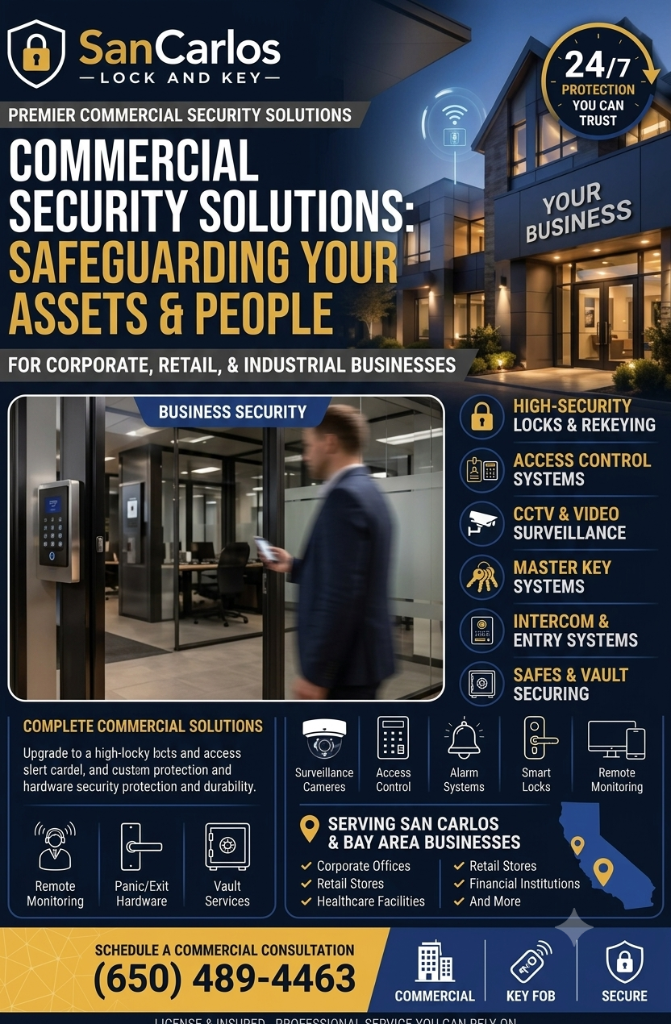
Commercial access control is more than replacing keys with cards or codes. A useful system helps a business decide who may enter, which doors they may use, and how access changes when staff or operations change. For San Carlos offices and storefronts, good planning starts with the way people actually move through the building.
San Carlos Lock and Key is a licensed, bonded locksmith serving San Carlos, Redwood City, Belmont, Menlo Park, and San Mateo. Our team is available 24/7 at (650) 489-4463 for locksmith assistance. The following planning steps can help you prepare for a conversation about access control at your workplace.
Map the doors and daily traffic
Walk through the property at the start and end of a normal business day. Identify exterior entrances, employee-only doors, storage rooms, IT areas, and any shared building entrances. Note which doors are used by employees, customers, vendors, or cleaning and delivery staff.
For each door, consider its purpose rather than assuming every opening needs the same equipment. A reception entrance may need convenient access during business hours, while a records room should remain restricted. A rear delivery door may need a controlled schedule and a clear procedure for staff supervising deliveries.
- List all exterior and interior doors that require access decisions.
- Record who uses each door and at what times.
- Identify doors that are frequently propped open or difficult to monitor.
- Note existing locks, door closers, intercoms, and alarm connections.
Match credentials to staff roles
Access credentials may include cards, fobs, mobile credentials, or codes, depending on the system and the needs of the site. The key planning question is not simply which credential to choose; it is how access will be assigned and maintained.
Start with a small number of clearly defined roles. For example, reception staff may need access to the lobby and office areas, while facilities staff may need access to utility and storage spaces. Avoid giving every employee access to every room by default. Limit access according to work responsibilities, while ensuring that authorized staff can do their jobs without awkward workarounds.
Decide how you will handle a lost credential, a new employee, a departure, or a change in duties. A reliable process should make it clear who approves access, who updates the system, and how quickly permissions are reviewed. Keep an up-to-date record of assigned credentials and the doors each role can open.
Plan for visitors and shared spaces
Visitors, contractors, and delivery personnel can create security gaps when entry procedures are unclear. Establish a consistent check-in process and decide whether visitors should be escorted beyond reception. If the building has shared tenants, confirm which entrances and common areas fall under your control and coordinate with property management where needed.
Temporary credentials can be helpful when supported by clear rules. Set an expiration time, limit which doors the credential can open, and assign responsibility for collecting or disabling it. Avoid sharing permanent employee codes with guests or contractors; shared credentials make it harder to know who entered and when.
Keep emergency egress in the design
Access control must not interfere with safe exit. Doors on required exit routes need to operate in accordance with applicable building and fire-safety requirements. Depending on the opening and occupancy, panic hardware or other approved exit hardware may be necessary. Electronic locking arrangements may also have specific release and power-failure requirements.
Have a qualified locksmith evaluate the door, frame, existing hardware, and proposed control devices together. The right solution must account for everyday entry as well as emergency conditions. Do not add a lock, keypad, or magnetic device that could obstruct people leaving the building.
Choose a system you can administer
Before selecting equipment, ask who will manage users, review access records, and respond to a system issue. Confirm how the system behaves during a power or network interruption, whether it can support the number of doors and users you expect, and how records can be retained and reviewed. Also ask about maintenance, credential replacement, and adding doors later.
Access records can support investigations and operational reviews, but they should be handled thoughtfully. Limit administrative permissions, protect account credentials, and decide who is allowed to view system activity. A system is only as dependable as its administration and upkeep.
Arrange a site-specific review
Every workplace has different doors, traffic patterns, and exit needs. A site visit can help identify hardware compatibility issues, weak points in current procedures, and practical options for controlling access without making entry cumbersome. San Carlos Lock and Key serves local businesses in San Carlos and surrounding Peninsula cities, including Redwood City, Belmont, Menlo Park, and San Mateo. For locksmith support, we are available 24/7 at (650) 489-4463.