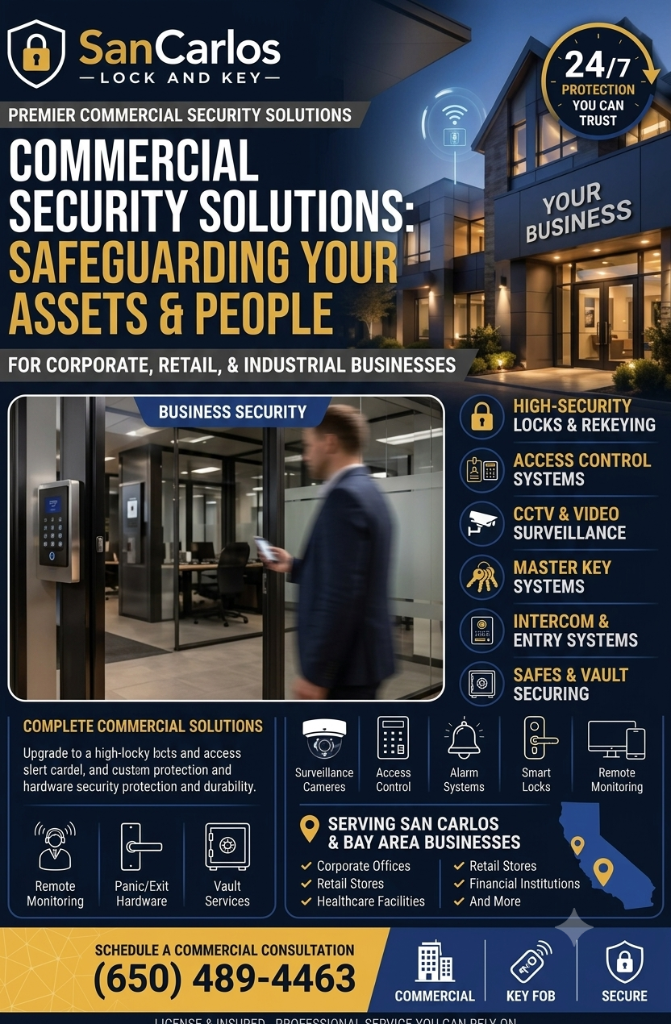
Office security problems often develop gradually. A former employee keeps a key, a side door fails to latch, or a panic bar becomes difficult to operate. Each issue may seem minor, but together they can create avoidable risks for a business. A regular security review helps San Carlos companies find these weaknesses before they become disruptive.
San Carlos Lock and Key serves businesses in San Carlos, CA, and surrounding communities including Redwood City, Belmont, Menlo Park, and San Mateo. The following checklist can help managers organize a review of commercial access control, panic bars, master keys, and office entry procedures.
Review Every Employee and Visitor Entrance
Begin outside and examine each door as if you were unfamiliar with the property. Do not focus only on the main entrance. Rear doors, loading areas, stairwell doors, and shared building entrances may have different security requirements.
- Confirm each exterior door closes fully without being pushed or pulled.
- Check that the latch engages the strike plate every time.
- Look for loose hinges, damaged frames, worn cylinders, or signs of forced entry.
- Verify that doors intended to remain locked cannot be propped open unnoticed.
- Confirm staff know which entrance to use after hours.
A door that looks secure but fails to latch consistently should be treated as a priority. Alignment, weather changes, building movement, and worn hardware can all affect reliable locking.
Audit Keys and Master Key Permissions
Physical keys deserve the same attention as electronic credentials. Create a current list of employees, departments, contractors, and managers who hold office keys. Compare that list with the keys actually in circulation.
- Recover keys from former employees and departing contractors.
- Replace unidentified or unaccounted-for keys when ownership cannot be confirmed.
- Limit master keys to trusted personnel with a genuine operational need.
- Use labeled key records without exposing sensitive details on the key ring.
- Review access whenever someone changes departments or responsibilities.
A master key system should be structured, not improvised. A locksmith can help define access levels so a receptionist, facilities employee, department lead, and business owner receive only the access appropriate to their roles.
Inspect Panic Bars and Emergency Exit Doors
Emergency exit hardware must be easy to operate from the inside. Walk to each exit and test the panic bar during a scheduled inspection. The door should open smoothly, the latch should retract fully, and the door closer should not prevent normal egress.
Watch for common warning signs such as a loose push bar, sticking latch, excessive force, unusual noise, or a door that fails to close and secure after use. Exit doors should not be blocked by furniture, stored materials, or equipment. Employees should know the location of primary and alternate exits.
Panic bar installation or replacement should account for the door type, frame condition, exterior trim, access control integration, and local safety requirements. Poorly matched hardware may create both security and evacuation problems.
Check Electronic Access Control Records
If the office uses keypads, cards, fobs, or mobile credentials, review the active user list. Remove access that is no longer needed and confirm that temporary credentials have expiration rules. Test readers during normal operating hours and after-hours schedules.
Ask these questions:
- Can management quickly disable a lost credential?
- Are entry permissions different for employees, visitors, and vendors?
- Does the system cover every controlled door, including interior restricted rooms?
- Are backup procedures available if power, networking, or a device fails?
Access control should support business continuity. A system that is secure but confusing during an emergency can create unnecessary delays, so staff training is essential.
Protect Sensitive Office Areas
Not every room needs the same security level. Identify areas containing client records, financial documents, medication, inventory, servers, or specialized tools. Consider restricted locks, monitored access, or a separate key hierarchy for these spaces.
Keep reception and visitor areas clearly separated from employee-only zones. A simple layout adjustment, controlled interior door, or updated key plan may reduce unauthorized movement through the workplace.
Set a Recurring Security Routine
Assign responsibility for monthly door checks and a more detailed review after staff turnover, remodeling, lost keys, attempted break-ins, or changes in building use. Document problems with photographs and notes so repairs are not forgotten.
San Carlos Lock and Key is available 24/7 for commercial locksmith assistance in San Carlos and nearby cities. For office access control, panic bar service, master key systems, or urgent door security help, call (650) 489-4463.