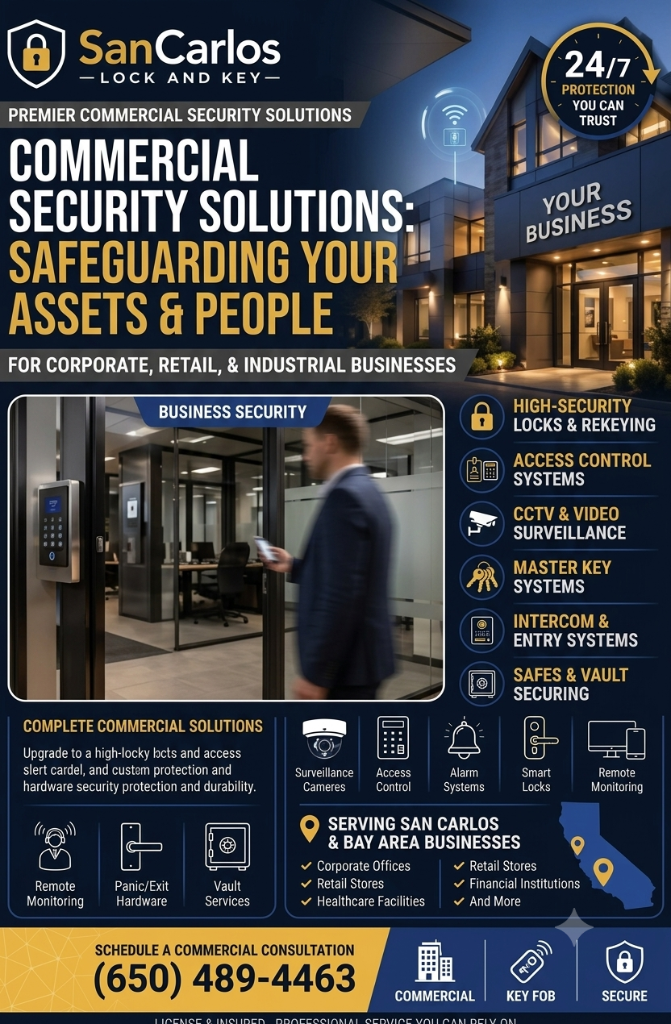
Office access control is more than choosing a keypad or card reader. A reliable setup connects the credential, the door hardware, the people who use the space, and the process for changing access when staff or business needs change. For San Carlos businesses, a thoughtful plan can help protect work areas while keeping everyday entry straightforward.
Start with the way your office operates
Before selecting equipment, map how employees, visitors, vendors, and cleaning staff move through the premises. Note which doors are used during business hours, which areas contain sensitive records or equipment, and whether deliveries need a separate route. A small office may need only a few controlled doors; a larger workplace may require different permissions for reception, storage, server rooms, or after-hours entry.
Walk the site at different times of day. Look for doors that are routinely propped open, entrances that are difficult to observe from reception, and secondary exits that must remain available for safe egress. The goal is to control authorized entry without obstructing emergency exit or normal operations.
Match credentials to the level of control
Common credentials include physical keys, PIN codes, cards, fobs, and mobile credentials. Each has practical tradeoffs. Keys are familiar but can be difficult to track once copied. PINs are easy to share, so businesses should avoid relying on one permanent code for a large group. Cards and fobs can be assigned to individuals and disabled when access is no longer appropriate. Mobile options can be convenient, but should be assessed for device compatibility and the organization’s administrative needs.
Ask how the system handles lost credentials, user changes, power interruptions, and access records. A feature is only useful if someone at the business knows how to use it and is responsible for keeping it current. Confirm that the selected hardware suits the door and the intended traffic rather than choosing solely by a feature list.
Build permissions around real responsibilities
Use the principle of least privilege: give each person access to the spaces needed for their role, not automatically to every door. For example, reception staff may need an entrance and shared office areas, while a records room or equipment area may require a smaller authorized group. Set schedules where appropriate, and review temporary access for contractors or visiting service providers.
Plan a regular review of users and permissions. When someone leaves or changes roles, remove or revise their access promptly. Keep a clear record of who can approve changes and who is responsible for making them. If multiple people manage the system, establish a consistent process so a departure or urgent credential cancellation is not overlooked.
Check the door, not just the reader
Access control depends on sound door operation. A reader cannot compensate for a misaligned latch, damaged frame, weak strike, or door that does not close reliably. Examine hinges, closers, latching, and the condition of the frame. On doors that form part of an exit route, verify that the arrangement remains compatible with applicable life-safety requirements. Hardware selection and installation should account for the door’s construction and use.
Also consider what happens during a power or network interruption. Depending on the door and system, the correct behavior may differ by location and safety function. Have a qualified professional explain the intended operation and test it with the business rather than assuming every door should behave the same way.
Make a practical implementation plan
- Inventory doors: Record each entry, its purpose, users, and existing hardware.
- Set access groups: Define roles and restricted areas before assigning credentials.
- Choose compatible equipment: Match readers and locking hardware to the doors and daily traffic.
- Document administration: Name system managers and set a process for adding, changing, and removing users.
- Test and train: Confirm normal entry, exit, emergency operation, and the response to a lost credential.
San Carlos Lock and Key is a licensed, bonded locksmith serving San Carlos, CA, and nearby Redwood City, Belmont, Menlo Park, and San Mateo. For help evaluating commercial door hardware or access control needs, the team is available 24/7 at (650) 489-4463. A site-specific review can help your business build access that is manageable, secure, and suited to the way the office actually works.